Jump to content
We promise no intrusive ads, Please help keep the community alive
Consider supporting us by disabling your ad blocker / add to whitelist / purchasing VIP.

Recommended Posts

Posted

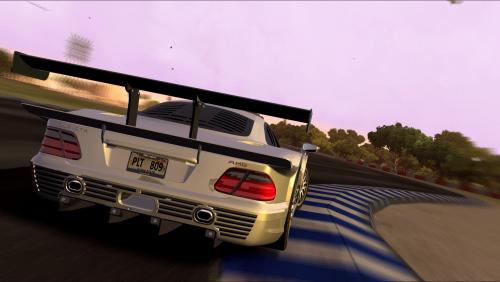
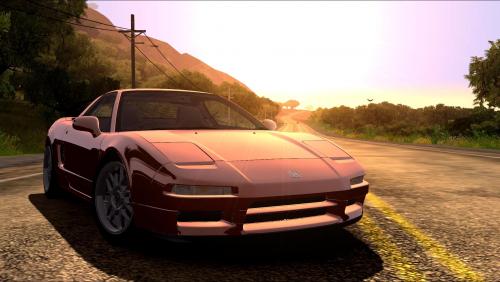
To focus: Press square. The focus will be in what is in the middle of screen. If you want the focus in offset, put where you want the focus to be on in the middle, press square and then you move the camera to the position you want the photo.


Moviment photos with the car stopped just rims spinning: Open the menu and select mode 3. (It comes as mode 1)


Shutter speed: How long the camera will be open, lower the number, more time open, that means rims spinning and stuff. Higher the number, everything will be stopped, because the camera will open and close really fast.


Exposure: Brightness.


There is something that max number is 45. That is the background definition, higher the number, better quality, lower the number, more blur it will get. I set in the lowest to find where i want the focus and then adjust the rest.


Hope i helped. Lol

Posted

That is called the aperture and the number is called the f-stop


The wider open it is the more light it lets in and the smaller the depth of field you will have and the less wide open it is the less light it lets in and the bigger the depth of field


Big number = closed right up

Small number = wide open

  • 7 months later...
  • 2 months later...

Join the conversation

You can post now and register later. If you have an account, sign in now to post with your account.
Note: Your post will require moderator approval before it will be visible.

Guest
Reply to this topic...

×   Pasted as rich text.   Paste as plain text instead

  Only 75 emoji are allowed.

×   Your link has been automatically embedded.   Display as a link instead

×   Your previous content has been restored.   Clear editor

×   You cannot paste images directly. Upload or insert images from URL.


×
×
  • Create New...